
How to Resize Signature Online
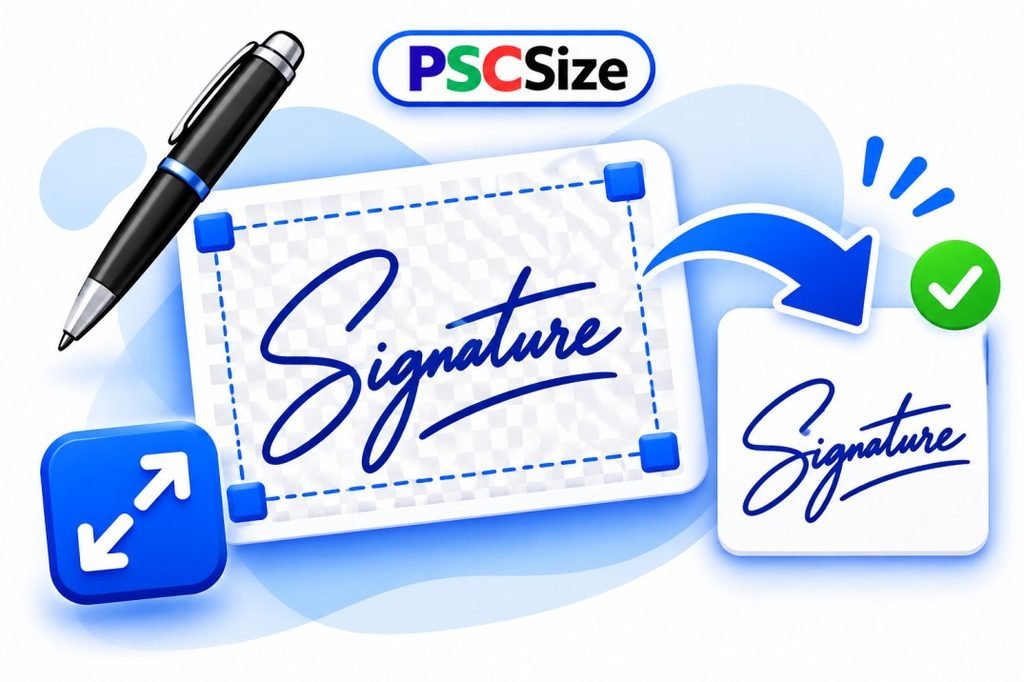
Resize your signature online for free with the PSCSize Signature Resizer. Upload your signature image, choose your required pixel dimensions, and set the file size in KB. You can also enter custom width and height according to your requirements. Resize your signature easily and download the final image in JPG format.
Step-by-Step Instructions
1. Upload Your Signature
Click the upload button and select your signature image in JPG, PNG, or WebP format.
2. Choose Pixel Dimensions
Select a preset signature size or enter your own custom width and height.
3. Set File Size in KB
Choose your required file size, such as 10 KB, 20 KB, 50 KB, or 100 KB.
4. Resize and Download
Click the Resize button to process your signature, then download the resized image.
Frequently Asked Questions (FAQs)
1. How can I resize my signature online for free?
You can resize your signature for free using PSCSize Signature Resizer. Upload your signature, select the required pixel dimensions and file size, then download the resized image.
2. Which image formats are supported by PSCSize Signature Resizer?
PSCSize Signature Resizer supports JPG, PNG, and WebP image formats. You can upload your signature in any of these formats.
3. Can I resize my signature to a specific pixel size?
Yes, you can choose from predefined pixel sizes or enter custom width and height according to your requirements.
4. Can I reduce my signature image size to 10 KB, 20 KB, or 50 KB?
Yes, you can select your required file size in KB, including 10 KB, 20 KB, 50 KB, and other available options.
5. Is PSCSize Signature Resizer free to use?
Yes, PSCSize Signature Resizer is completely free to use. You can resize your signature online without installing any software.
6. Photo Resize can be possible on PSCSize ?
Yes, 20 kb 30 kb 40 kb can be easily make from Photo Resizer tools