
Cropped Image
How to Use Section
How to Crop Images Online
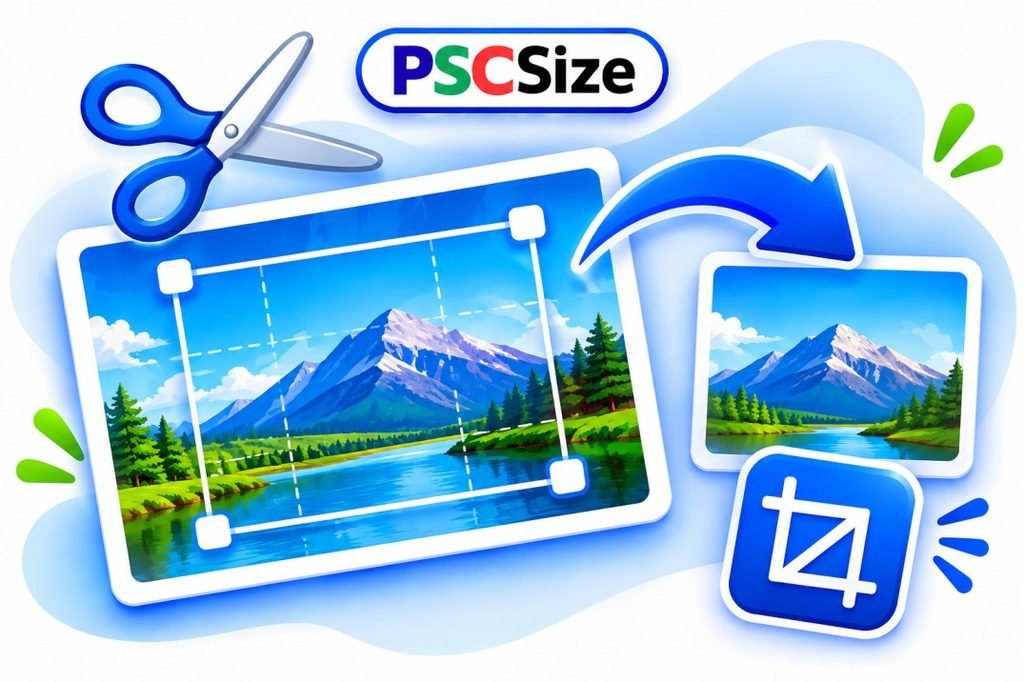
PSCSize Image Cropper is a free online tool that helps you crop images easily. Upload your image, select the area you want to keep and download your cropped image. It supports JPG, PNG and WebP formats.
Step 1: Upload Your Image
Click the Upload Image button and select a JPG, PNG or WebP image from your device.
Step 2: Select the Crop Area
Drag your mouse or finger over the image to select the area you want to keep.
Step 3: Choose Aspect Ratio
Select your preferred aspect ratio, such as 1:1, 4:3, 3:4 or 16:9. You can also choose Free to crop an image without a fixed ratio.
Step 4: Crop and Download
Click the Crop Image button to preview your cropped image. Then click Download Image to save it to your device.
Frequently Asked Questions (FAQs)
1. How can I crop an image online for free?
You can crop an image using PSCSize Image Cropper. Upload your image, select the desired area and click Crop Image to download the result.
2. Which image formats are supported by PSCSize Image Cropper?
PSCSize Image Cropper supports JPG, PNG and WebP image formats.
3. Can I crop an image to a specific aspect ratio?
Yes, you can choose different aspect ratios, including 1:1, 4:3, 3:4, 16:9 and 3:2. You can also use the Free option.
4. Can I crop an image using my mobile phone?
Yes, PSCSize Image Cropper is responsive and works on mobile phones, tablets and desktop devices.
5. Is PSCSize Image Cropper free to use?
Yes, PSCSize Image Cropper is free to use online. You do not need to install any additional software.